
OTK~Tech
USB-C cables: identify the plug, power and data
See what USB-C looks like, compare USB-A and USB-C, and check charging wattage, data speed and video support before buying a cable.
3 min read OKTech
OtK~Tech
Straightforward explanations, useful tools and buying considerations that start with what you need your technology to do.
EXPLORE & LEARN
OTK~Tech
See what USB-C looks like, compare USB-A and USB-C, and check charging wattage, data speed and video support before buying a cable.
3 min readEveryday stewardship
Use a practical buying checklist to separate a useful tool from an unnecessary upgrade.
4 min readFROM THE FEED
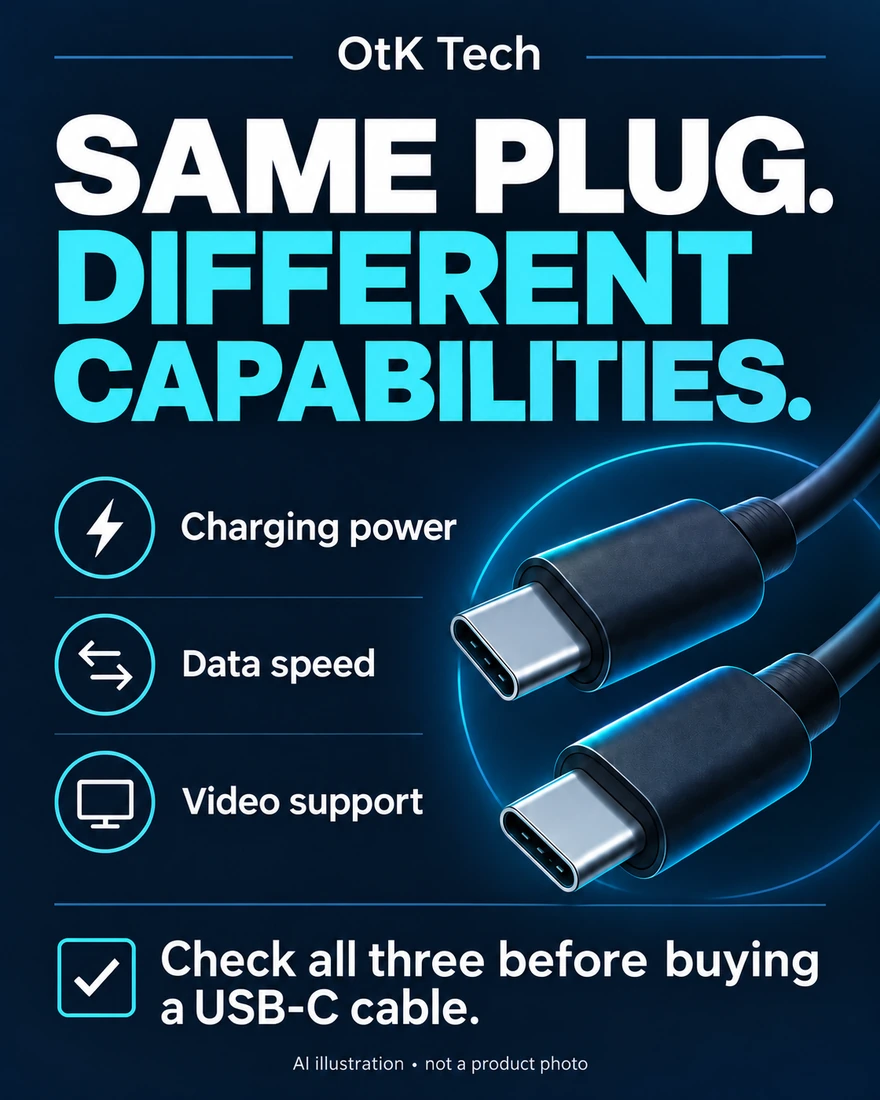
Instagram post
OtK~Tech · Sep 16, 2026
Charging power, data speed and video support are separate questions when choosing a USB-C cable.
Follow OtK~Tech for more, and join the conversation on the original posts.
OPTIONS TO CONSIDER
Affiliate disclosure: As an Amazon Associate I earn from qualifying purchases. Images, product names and shopping buttons open Amazon. Our buying-guide picks are researched options, not completed hands-on reviews. Check the current price, seller and specifications before buying.
 Shop on Amazon ↗
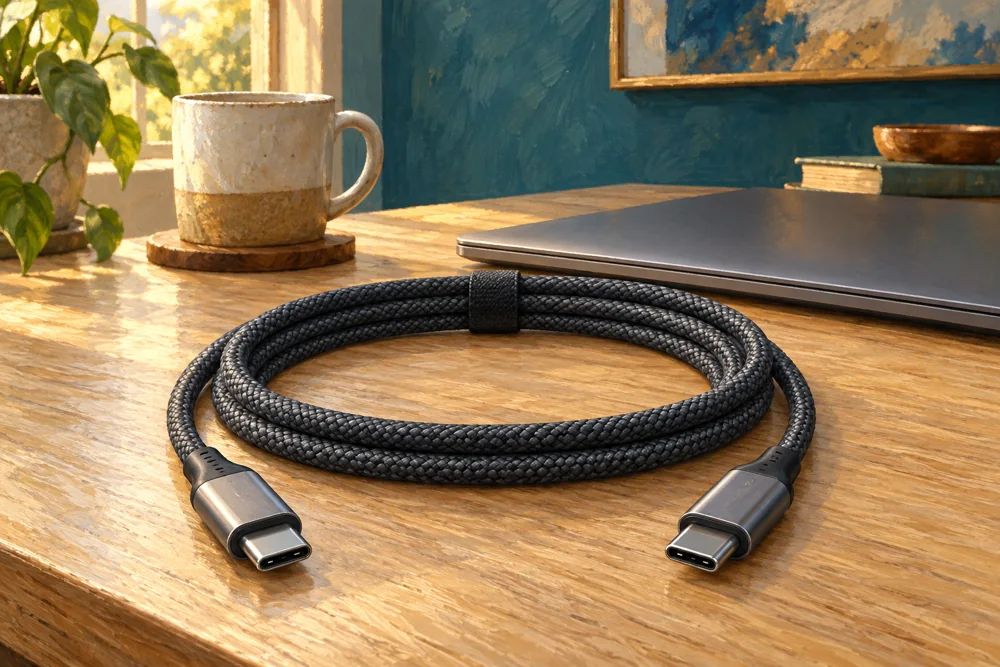
Illustration · product photos on Amazon
For a charging setup needing more reach
Two six-foot cables; up to 100W with compatible equipment. No video output. Wall charger not included.
Buying-guide pick
Shop on Amazon — Anker 333 USB-C cables (paid link)See current price & product photos
Read our buying guide →